AI Skin Analysis
Upload 3 photos — front, left & right — for your personalised Glow Score, Golden Ratio & skin report.
How to position — follow the guides below
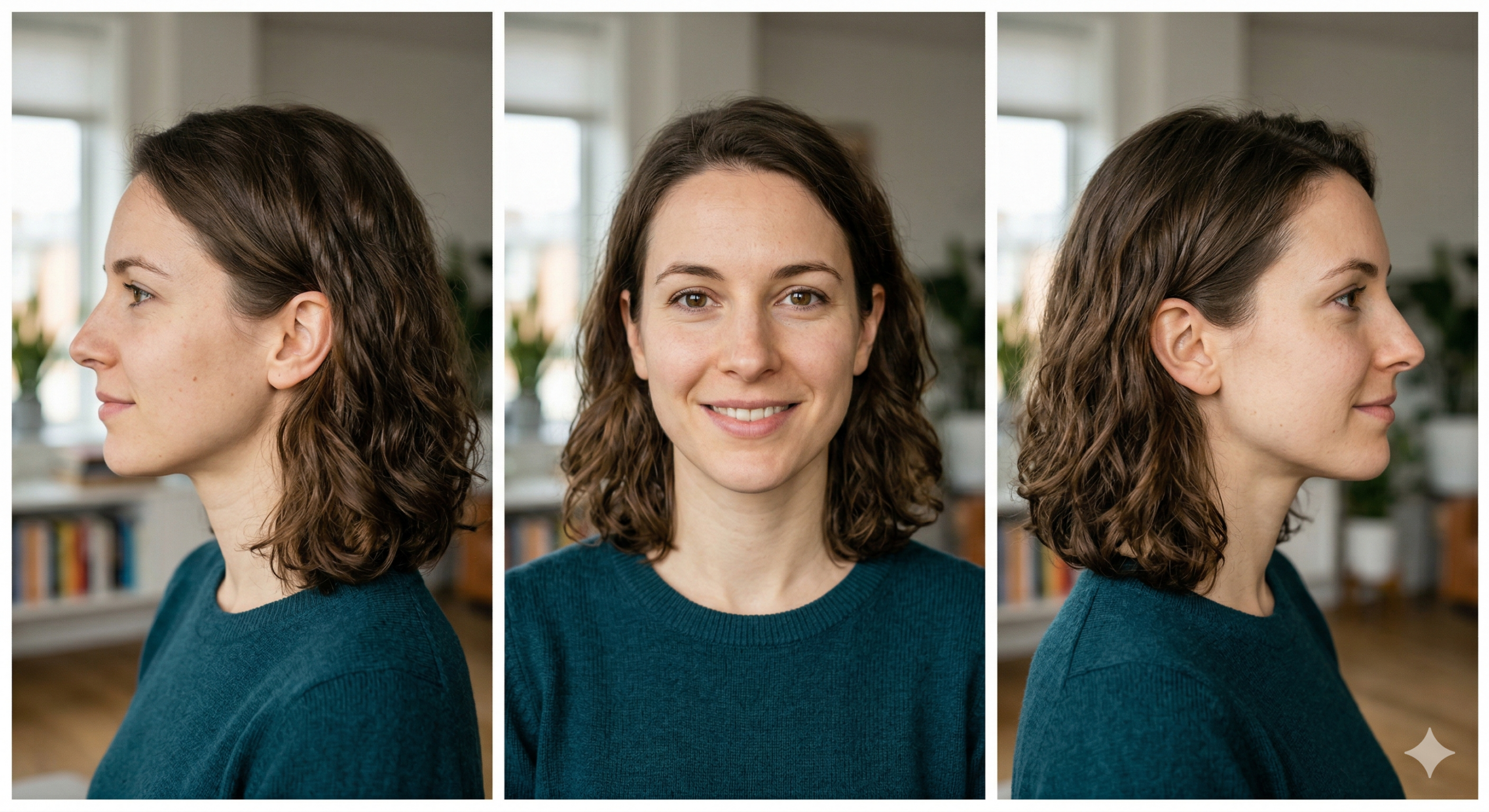
Left Side
Turn 90° left
Front
Look straight at camera
Right Side
Turn 90° right
📋 Tips for best results
✓
Good natural lighting — face a window or bright light
✓
Clean face, no heavy makeup, hair pulled back
✓
Neutral expression, eyes open, chin level
✗
Avoid shadows, sunglasses, dim or backlit rooms
Photos uploaded
0 / 3
Your Photos — tap a slot to add
Front
![front]()
Front
Left
![left]()
Left Side
Right
![right]()
Right Side
✨
Analysing Your Face
Groq Vision AI is reading all 3 photos to generate your personalised skin report…
Processing front, left & right photos
Detecting skin concerns & texture
Calculating Golden Ratio & symmetry
Building personalised routine & products
⚡ Groq Vision AI Report
72
Glow Score
88
Symmetry
74
Texture
68
Hydration
👤
Analysing...
AI detected profile
— Concerns
👤 Estimated Age
🎉—
🏆 Gender
🏁—
🌍 Skin Type
✨—
📍 Location / Climate
🌎India
Golden Ratio Analysis
Based on phi = 1.618 — the universal beauty constant
1.61 phi
🔬 Skin Concerns Detected
🛍 Recommended for You
💊 Treatment Plan